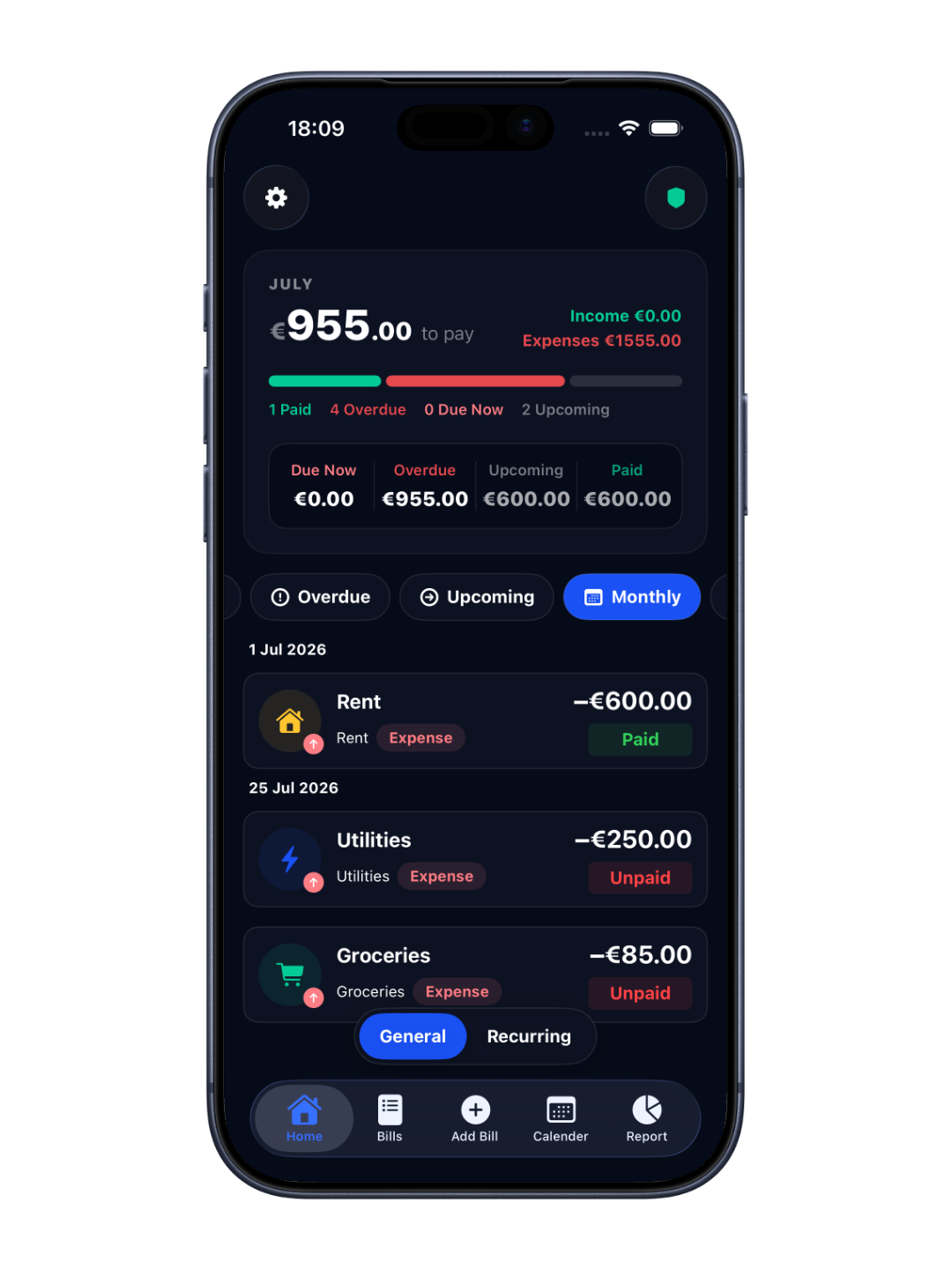
Get started with RemindPay
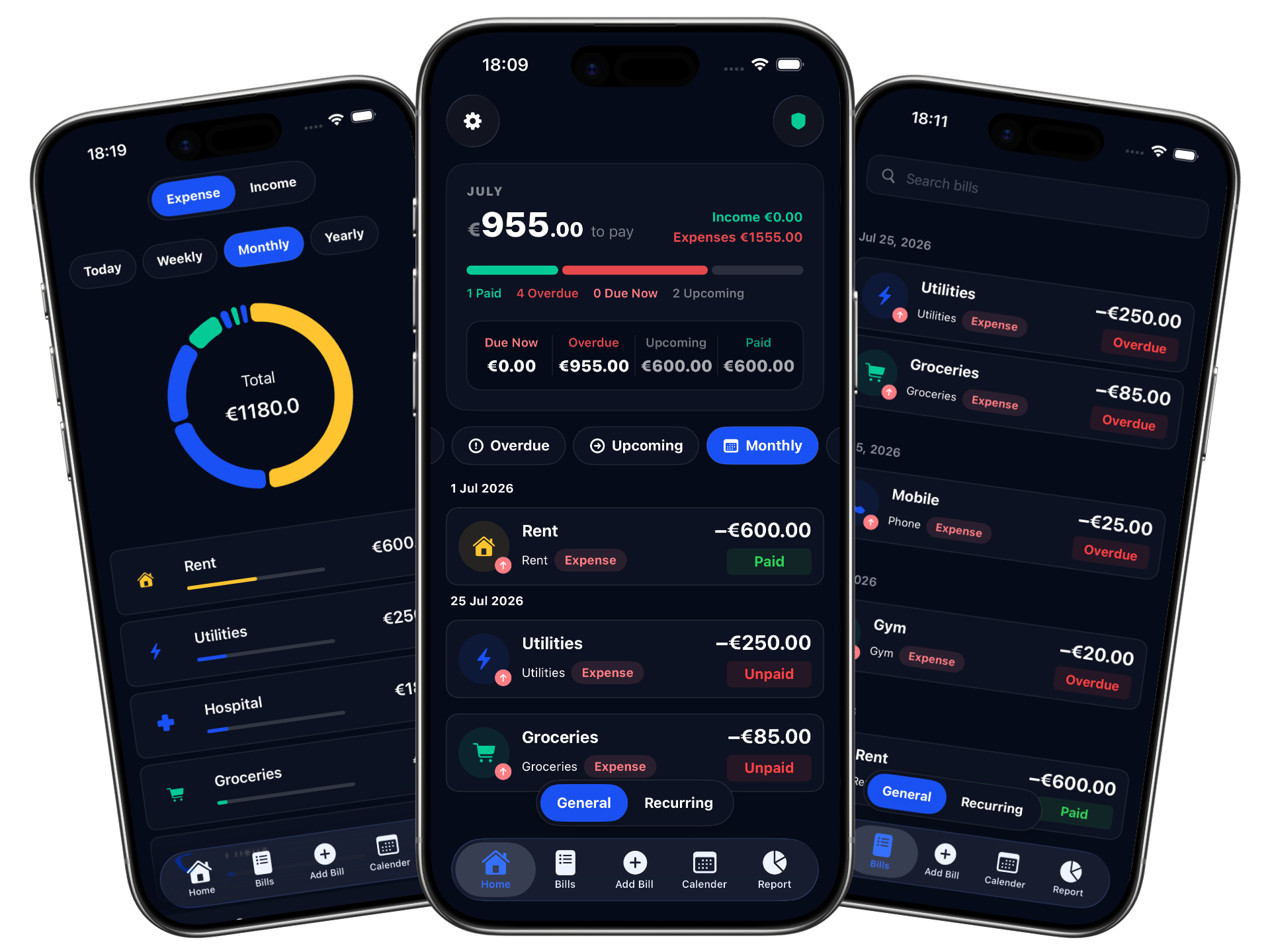
Add your first bill, set the amount and due date, and get your first reminder in under a minute.
Set up reminders
Choose your notification time and how far in advance you're alerted: 1 day, 3 days, a week, or two weeks ahead.
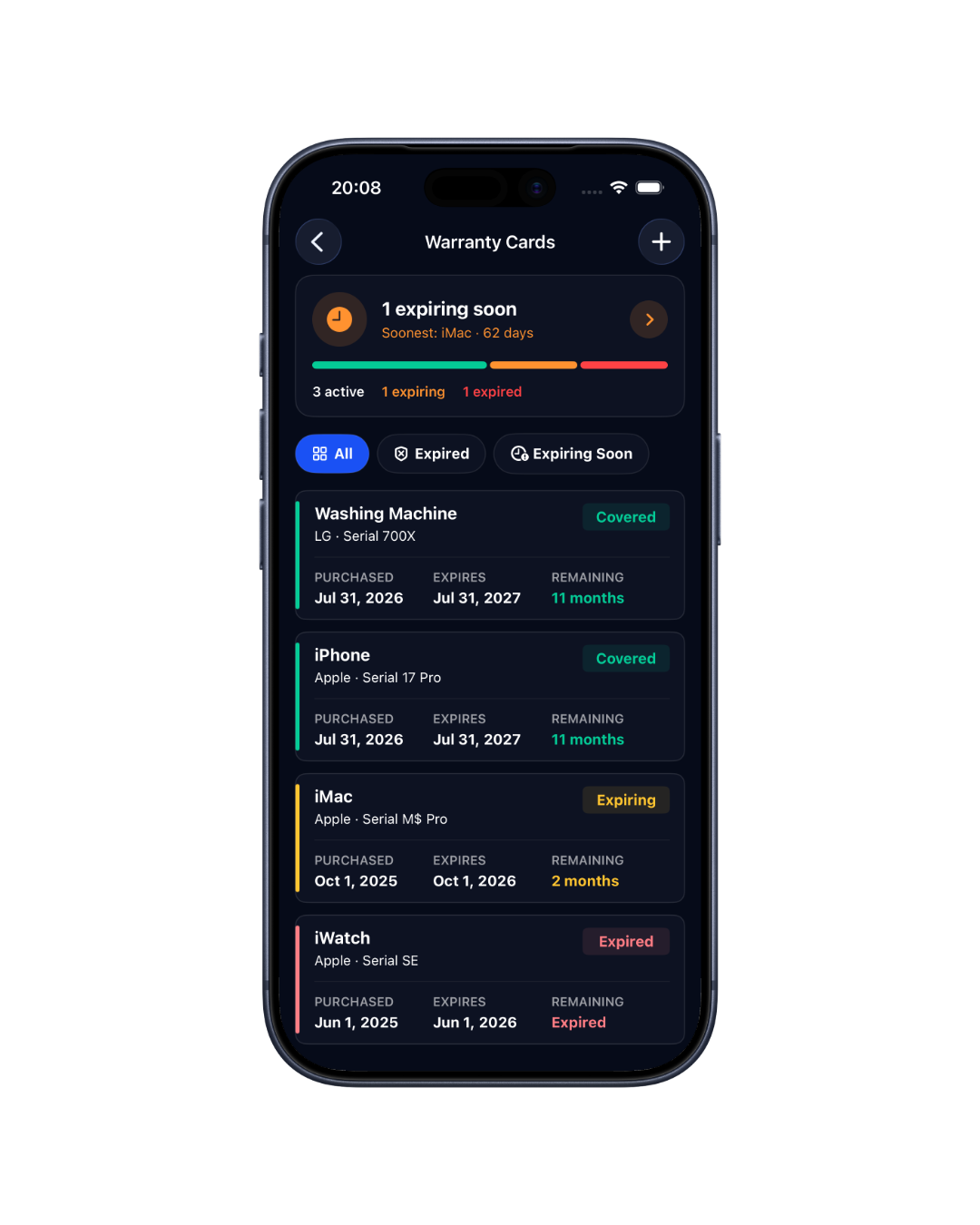
Manage warranty cards
Add warranty cards, attach receipts, and get notified 30 days before a warranty expires. Never lose coverage.
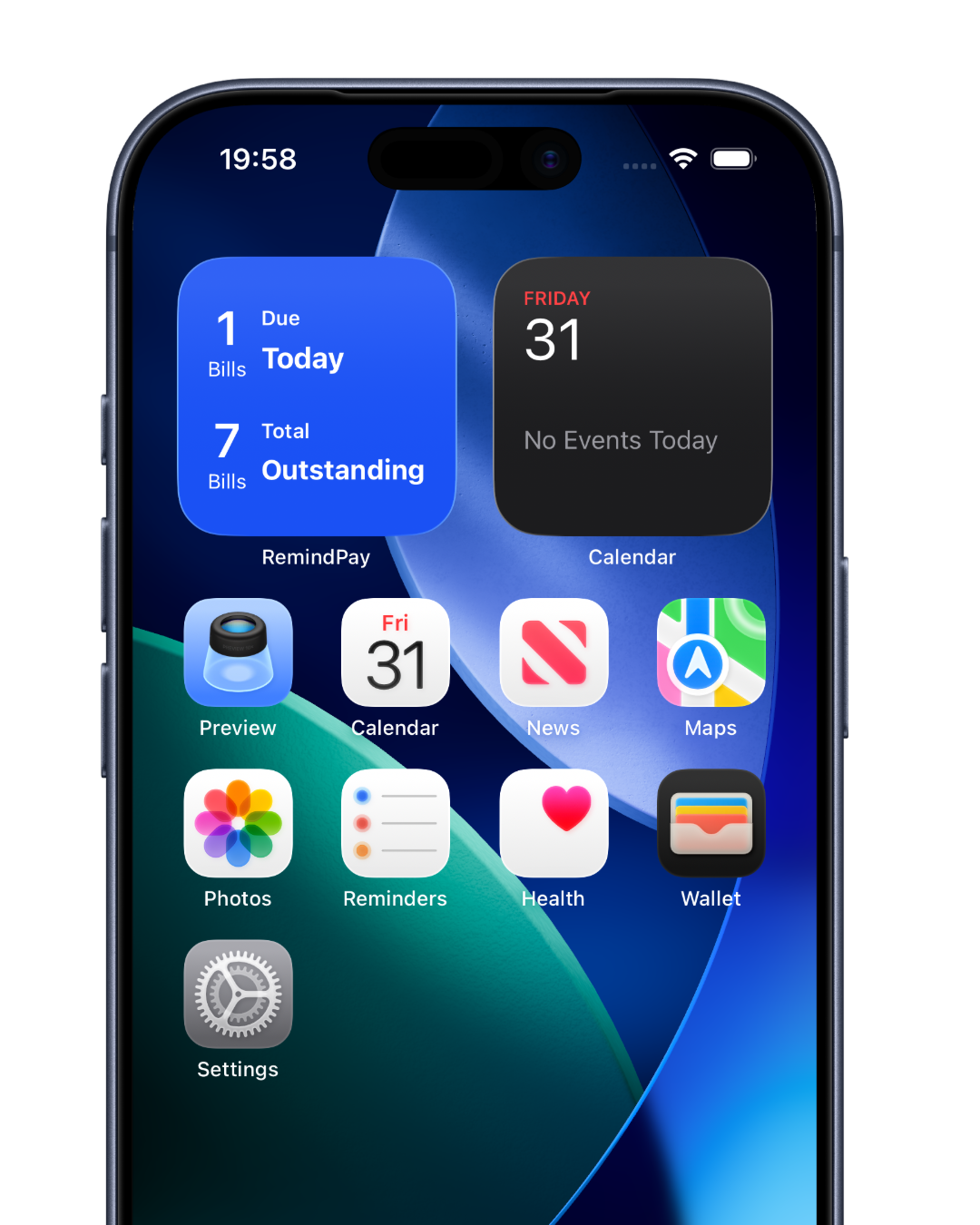
Add Home Screen widgets
Put your upcoming bills on your Home Screen so you always know what's due, without opening the app.
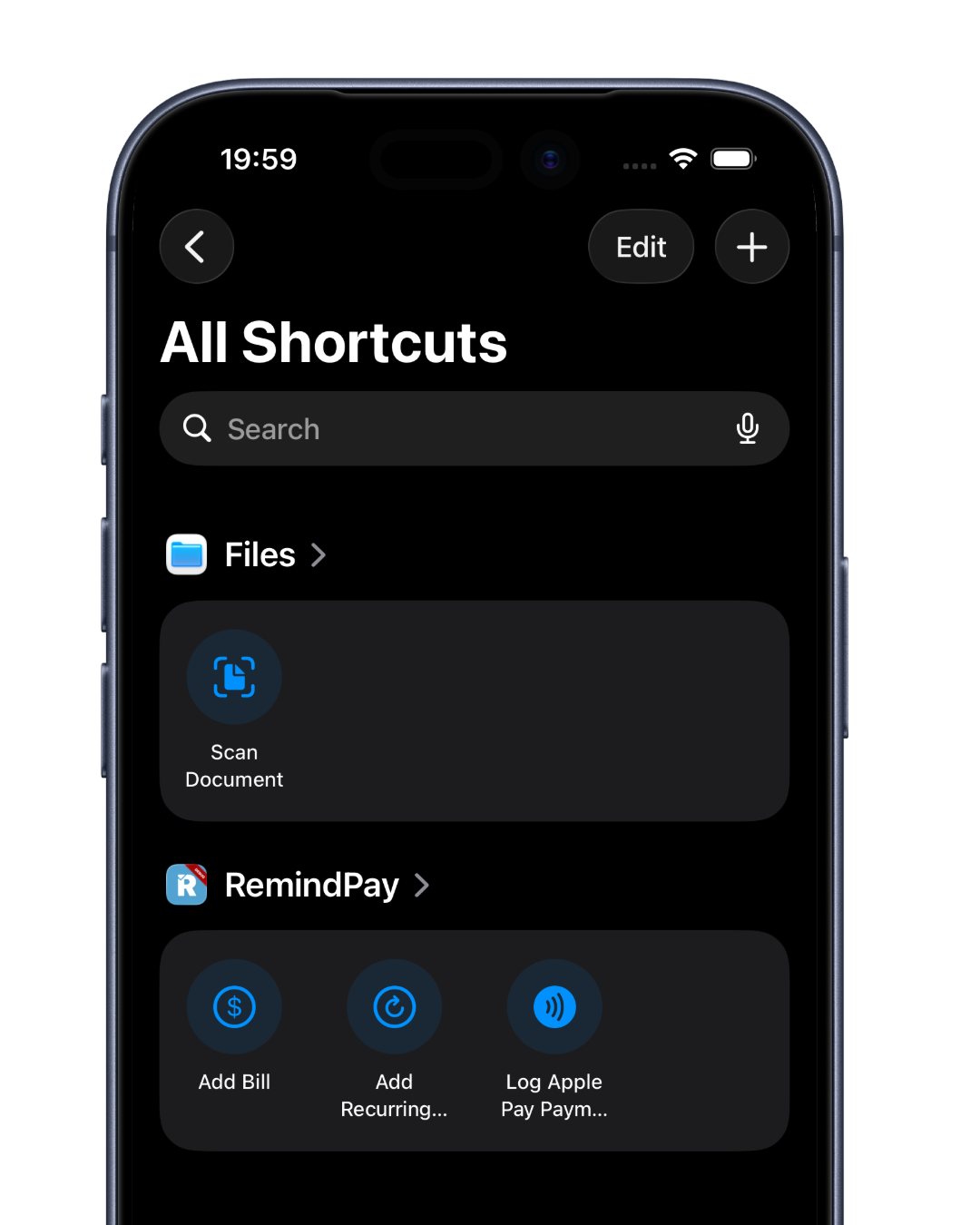
Use Siri Shortcuts
Add bills and log recurring payments hands-free. Just ask Siri, no tapping required.
Set up Apple Watch
Install Bills Keeper on your Apple Watch and check upcoming bills right from your wrist, anytime.
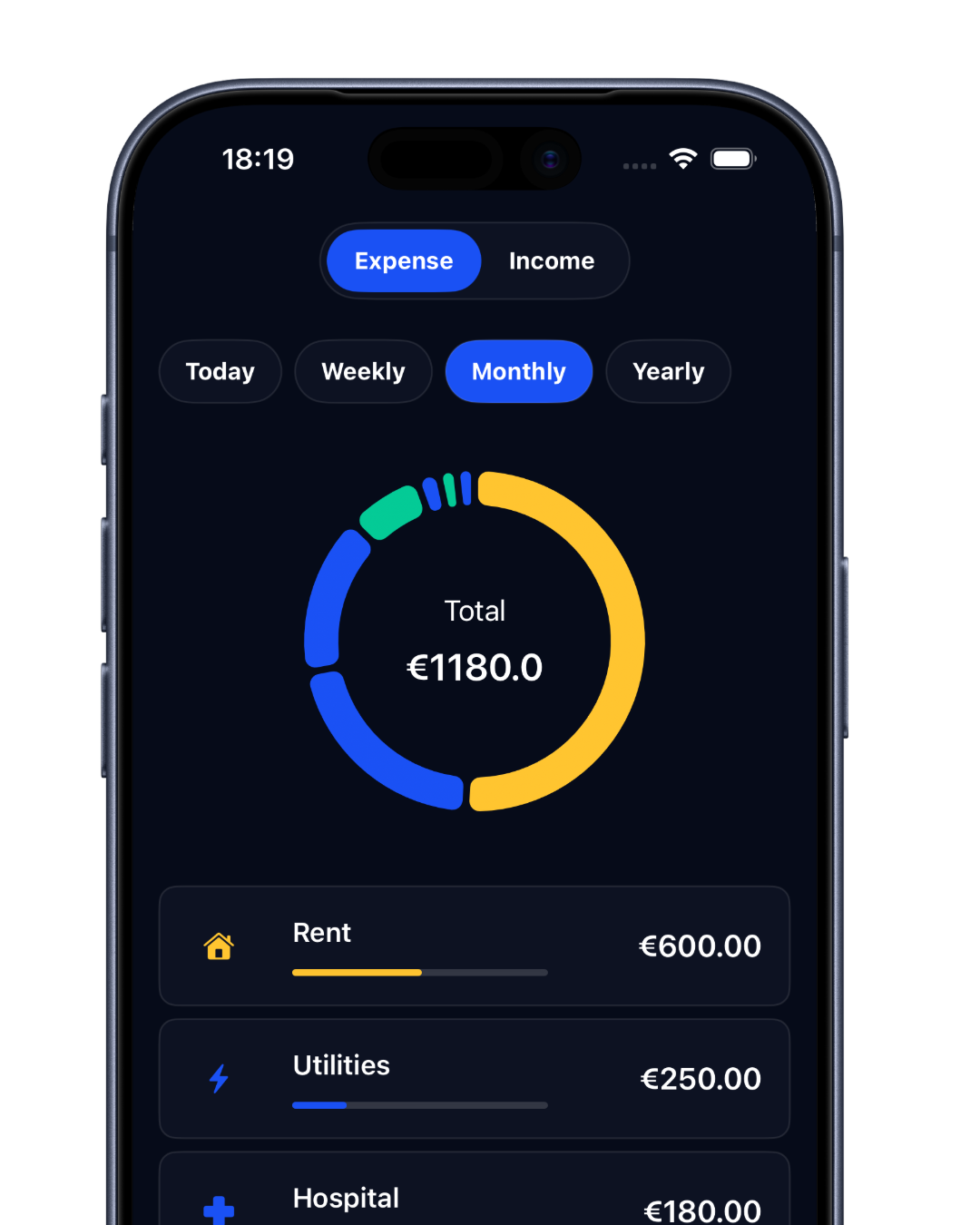
Track spending with reports
View spending trends, category breakdowns, and monthly summaries to understand where your money goes.
Apple Pay auto-logging
Automatically log every Apple Pay transaction in RemindPay using a simple Shortcuts automation.
Set up recurring bills
Add bills that repeat on a weekly, monthly, or custom schedule. RemindPay handles every future reminder automatically.